Fell & Sell Dungeon Map Guide
Navigate every floor. Find every room. Never get lost again.
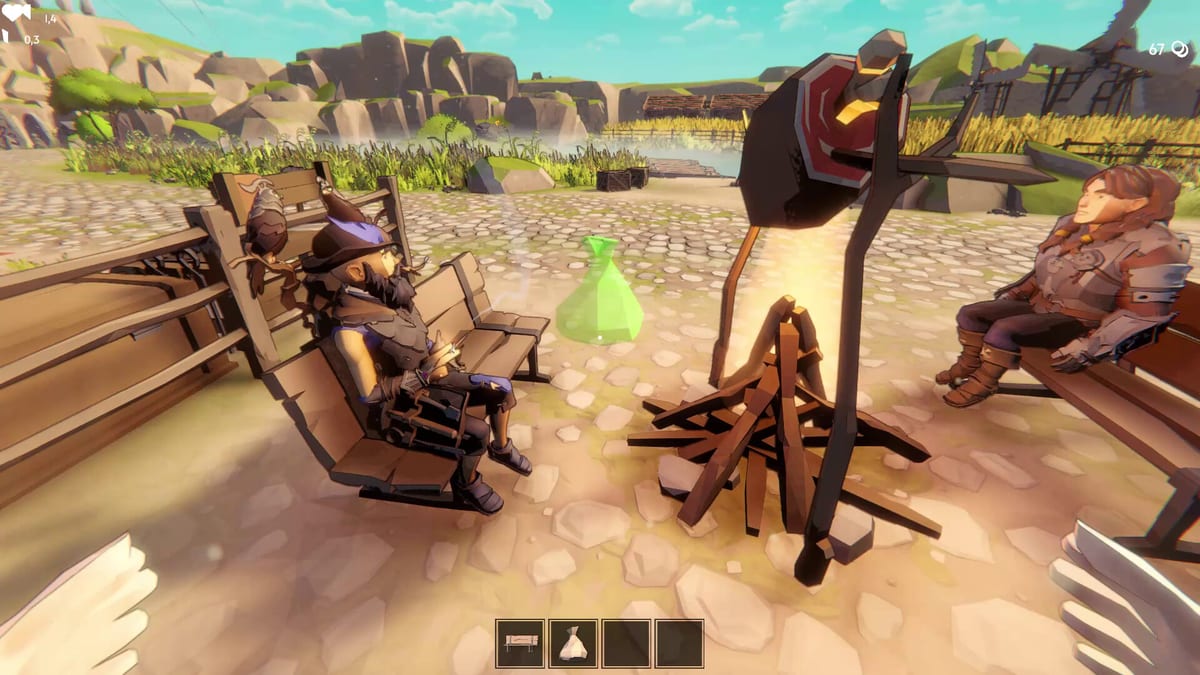
The Dungeon Map update shipped on 31 August 2026, adding one of the most-requested features since launch: a functional minimap on the HUD and a full map view opened with [M]. This guide covers everything the map does, how to use it mid-run, and the edge cases the update introduced.
What the map actually shows
The minimap sits on the HUD and updates in real time as you explore. It tracks:
- Rooms you have entered — revealed rooms stay visible even after you leave, allowing you to backtrack without re-exploring
- Corridors and doorways — the layout of the current floor including secret passages once discovered
- Your position — a marker showing exactly where you are within the current room
- Exits and stairs — floor transitions are clearly marked so you can plan your descent
- Special rooms — elite rooms, treasure rooms, and altar rooms appear on the map once discovered, helping you prioritize routing
The full map opened with [M] gives a larger view with more detail. Use it to plan your route before committing to a direction, especially when deciding between pushing deeper or extracting with your current haul.
Opening and using the map
- Minimap — always visible on the HUD when inside a dungeon floor, showing your immediate surroundings
- Full map — press [M] to open the detailed floor view showing the entire current level
- Close map — press [M] again or Escape to return to gameplay
The map does not reveal rooms you have not entered. Stealth and exploration still matter. This is not a cheat code — you still need to move through the dungeon to reveal its full layout.
Navigation tips
- Open the full map before taking stairs — see what the next floor looks like before you commit. Once you go down, you cannot return to the previous floor without extracting.
- Mark boss room direction — once you see the boss arena on the map, route toward it efficiently rather than wasting time on dead ends
- Track special rooms — elite and treasure rooms are worth routing toward; use the map to find them without unnecessary backtracking
- Plan your extract — knowing where the exit is before your bag is full helps you exit faster and avoids the panic of a last-minute search
- Use the map during combat pauses — if you find yourself in an unfamiliar room with enemies, opening the map gives you a moment to assess your surroundings
What the map does not show
Understanding the map limitations is as important as knowing its features:
- Enemy positions — the map shows room layout, not enemy placements within those rooms
- Traps — hazards are not marked on the map; you must still watch your step
- Unexplored areas — rooms you have not entered remain hidden; the map does not reveal the entire floor from the start
- Item locations — loot is not tracked on the map; you still need to search every room
Relationship to other systems
The map works alongside the auto pickup feature from the 27 August 2026 patch. Auto pickup collects items as you walk; the map helps you move efficiently between pickup locations, maximizing the benefit of auto pickup by routing you through high-density areas.
The dungeon minimap does not affect the Unstuck Button or Return to Village feature added in Ver. 1.1.1 — those are emergency options for when you are stuck in geometry or need to abandon a run safely.
Comparing the map to demo-era navigation
Before the 31 August update, players navigated purely by memory and exploration. The map fundamentally changes how you approach each floor. Where players previously drew mental maps or counted doorways, you can now see the full picture. This reduces the advantage veterans had over newcomers and makes the dungeon more accessible for new players learning the layout.
Tips for different situations
When your bag is getting heavy: Open the map to find the fastest route to the exit. Do not waste time exploring side rooms when you have enough loot to justify the trip.
When hunting for a specific room type: If you need an altar room or elite room, the map shows which corridors lead to special rooms once you have entered one in that chain. When deciding between floors: Use the full map [M] before taking stairs. If the next floor looks more complex or has fewer rooms you have already cleared, it may be worth staying on the current level longer.
Why the map matters for shop management
Every minute spent lost in the dungeon is a minute your shop is open without new stock. The map helps you extract more efficiently, which means more items to price and sell. Faster runs with the map means more inventory cycles per session, directly improving your shop’s gold flow.
Patch history
- 31 August 2026 — Dungeon Map + Inventory Sorting update added the minimap and full map [M], plus storage chest safeguards and sensitivity tuning
- 3 September 2026 — Performance optimization across all maps; no map functionality changes but the map now loads faster
- 5 September 2026 — NPC AI improvements; no map changes
Related pages
Dungeon Survival — run tactics with and without the map Dungeon Biomes — zone structure and boss gates Combat — fighting while navigating Updates — full patch timeline
Frequently Asked Questions
Quick answers to the most common questions.
Does the map work on all dungeon floors?
Yes. The minimap and full map work on every generated floor in Shallow, Overgrown, and Darkest Dungeon.
Can enemies see me on the map?
No. The map only shows room layouts you have explored. Enemy positions and line-of-sight are not displayed.
Does the map auto-save if I die?
Room discovery is saved per session. If you extract and return to the same floor, previously discovered rooms remain revealed.
Can I use the map while in combat?
You can open the full map with [M] during combat, but doing so does not pause the game. Use with caution.
Is the map available in the demo?
No. The dungeon map feature shipped in the 31 August 2026 update for the full game only. The demo (app 4881440) does not include this feature.
Does the map show secret rooms?
The map shows rooms once you have entered them. If a secret passage leads to an undiscovered room, that room will not appear until you physically enter it.